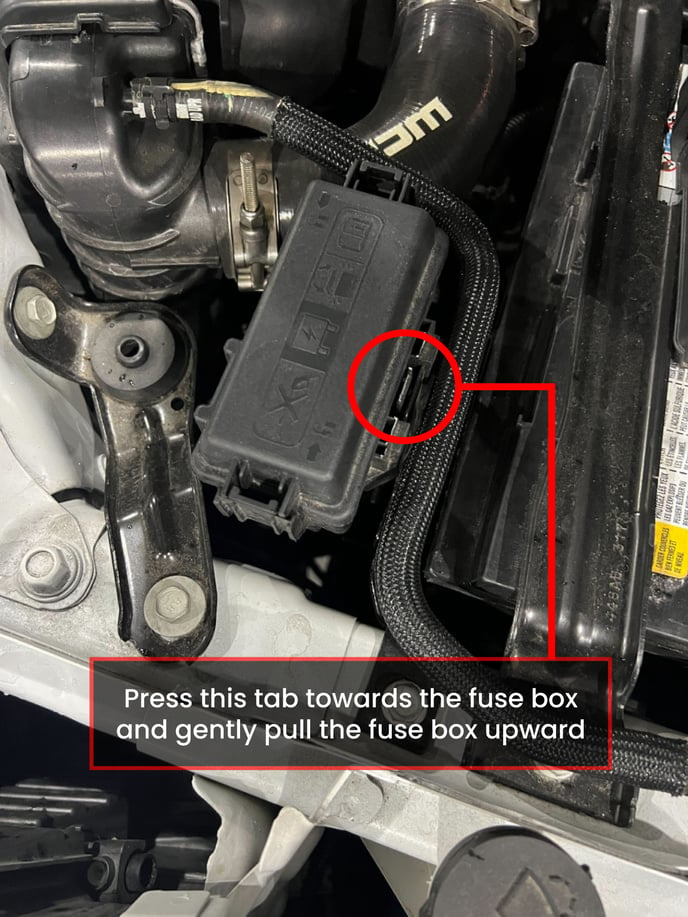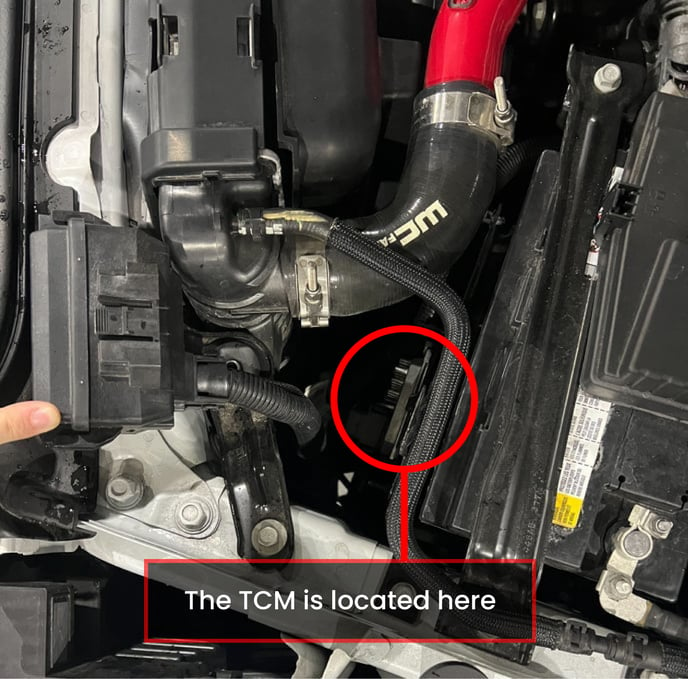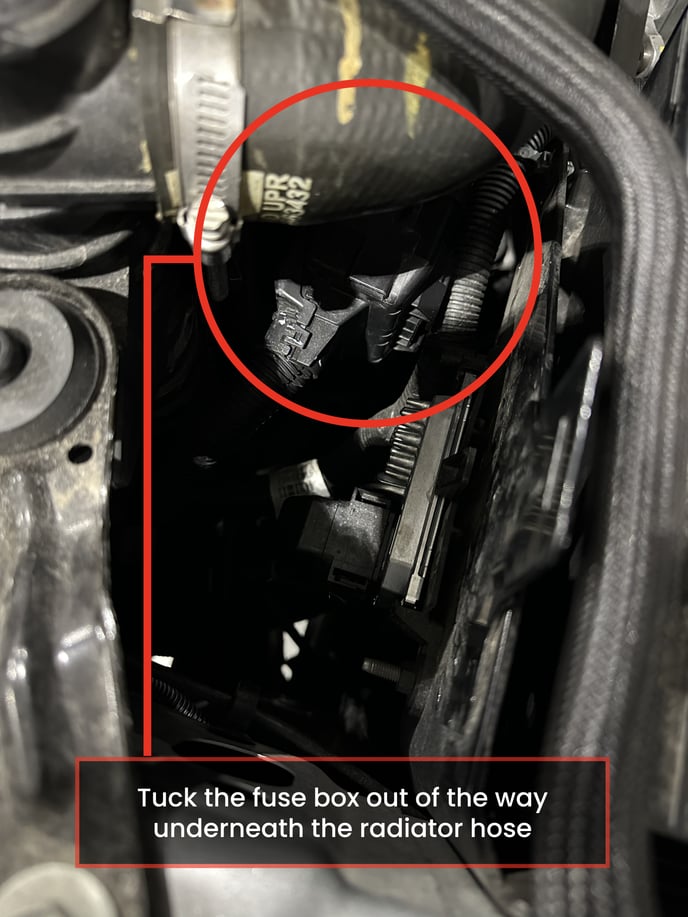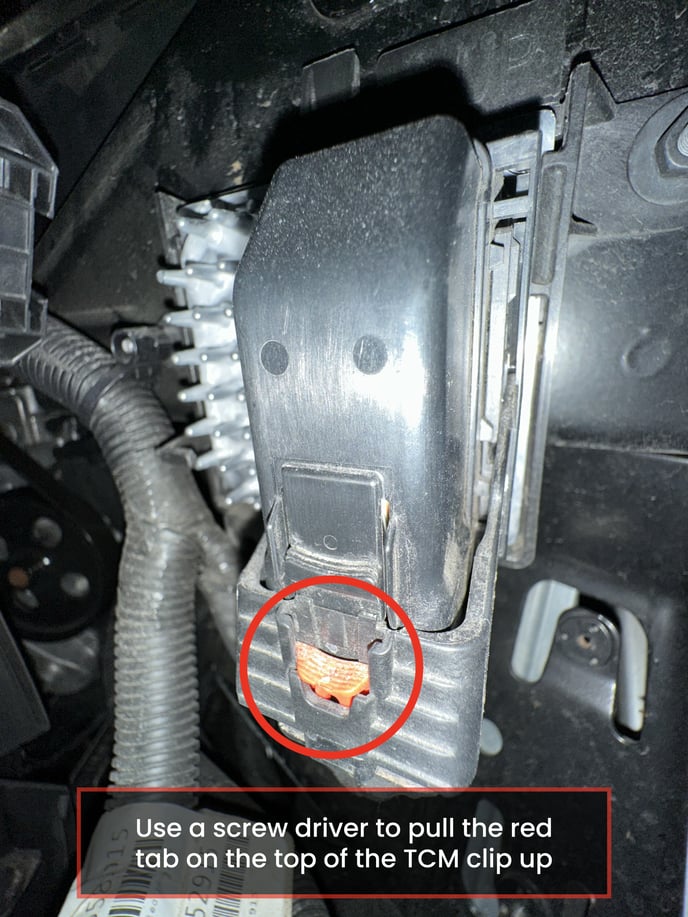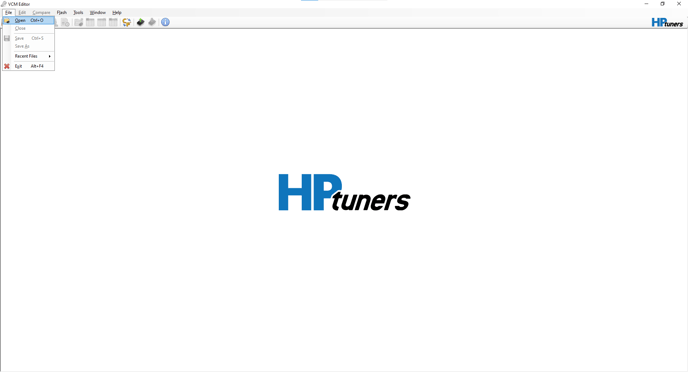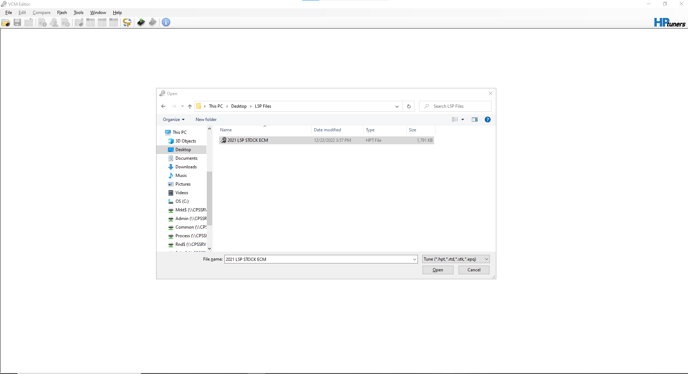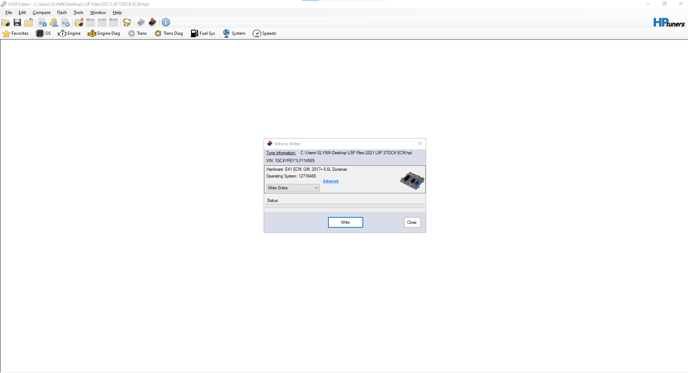
HP Tuners T93 swap
This will help you install your pre-tuned or unlocked 10-speed TCM and help you read and write tune files
Questions? INFO@shopmoderndiesel.com
BEFORE REMOVING YOUR FACTORY TCM
1. Download & Install .Net Windows Runtime 8:
https://aka.ms/dotnet/8.0/windowsdesktop-runtime-win-x64.exe
2. Download & Install the latest VCM Suite Beta:
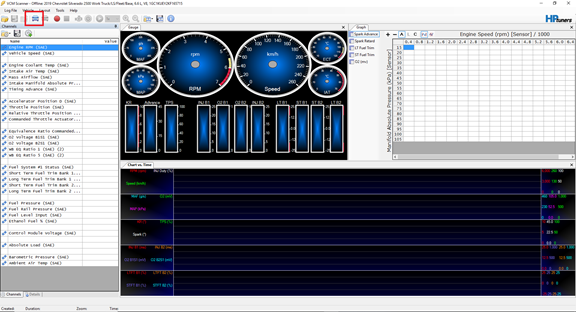
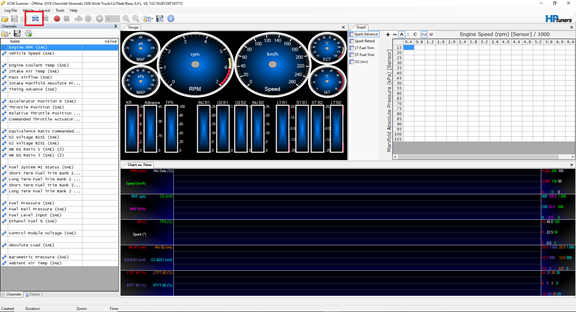
3. Open VCM Scanner on your computer.
4. Plug your MPVI into your laptop first & then connect your MPVI to the vehicle’s OBD2 port.
5. Turn the ignition on. (17-19 trucks turn the key two clicks forward. For the 20+ trucks push and hold the start button for 8 seconds without your foot on brake to cycle the ignition on)
6. Select the Vehicle Icon that says “Connect to Vehicle” on the top items bar.
7. Go to “Vehicle Controls & Special Functions”
.png?width=589&name=image%20(1).png)
8.Select the Systems Tab
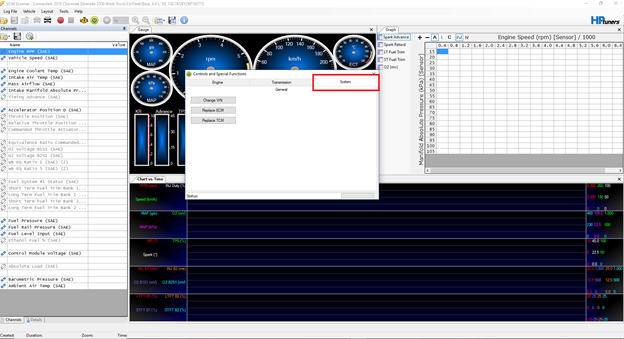
9. Click “Replace TCM” To start the function
10. It will again ask you if the stock TCM is installed. Click Yes.
11. Once you get the “TCM Data Read Successfully” message. Click Okay and turn the ignition off.